How can I reconnect a connection?
As an Account Owner or Manager, you can connect or reconnect a connection.
Step 1: Navigate to Connections
Click your Account Name in the upper right-hand corner, and then select Connections.
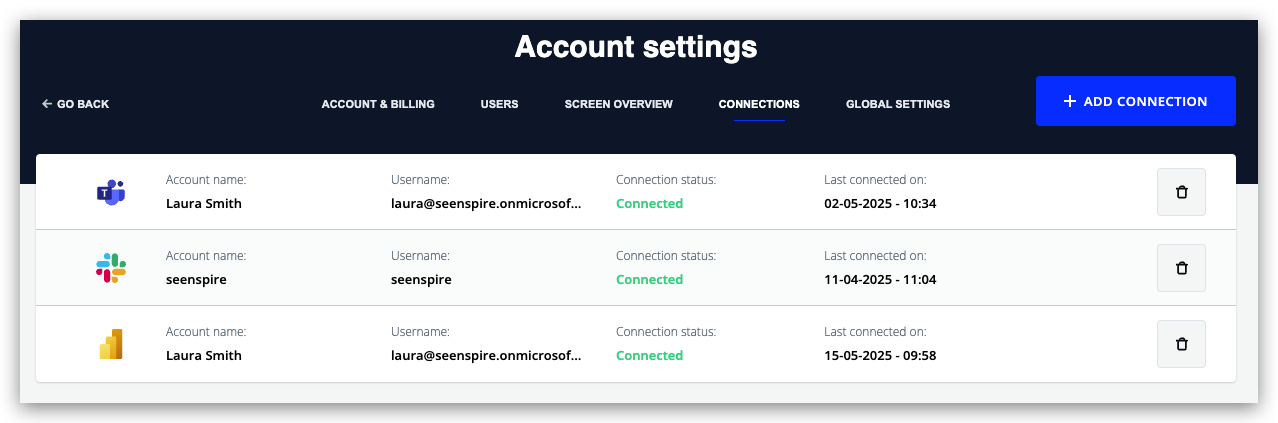
Here you will see a list of all the Connections you have successfully connected. The overview also shows if a source connection is Expired or Disconnected.
Step 2: Reconnect expired Connections
You can reconnect the expired connection by clicking the reconnect icon and following the authentication flow.