How do I request more licenses?
We're glad to see your digital signage needs are expanding. To request more licenses, follow the steps listed below:
Click your Account Name in the upper right-hand corner, then select Account and Billing
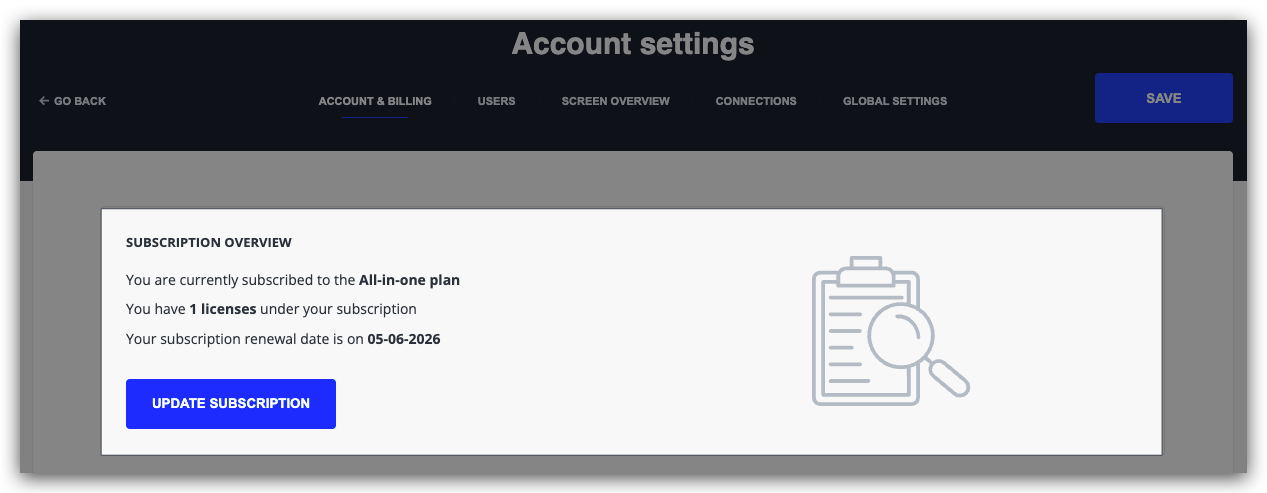
At the top of the page, you can see an overview of your subscription's current status.
You will also find a button to "Update your subscription", allowing you to purchase additional licenses or change your current Seenspire plan.
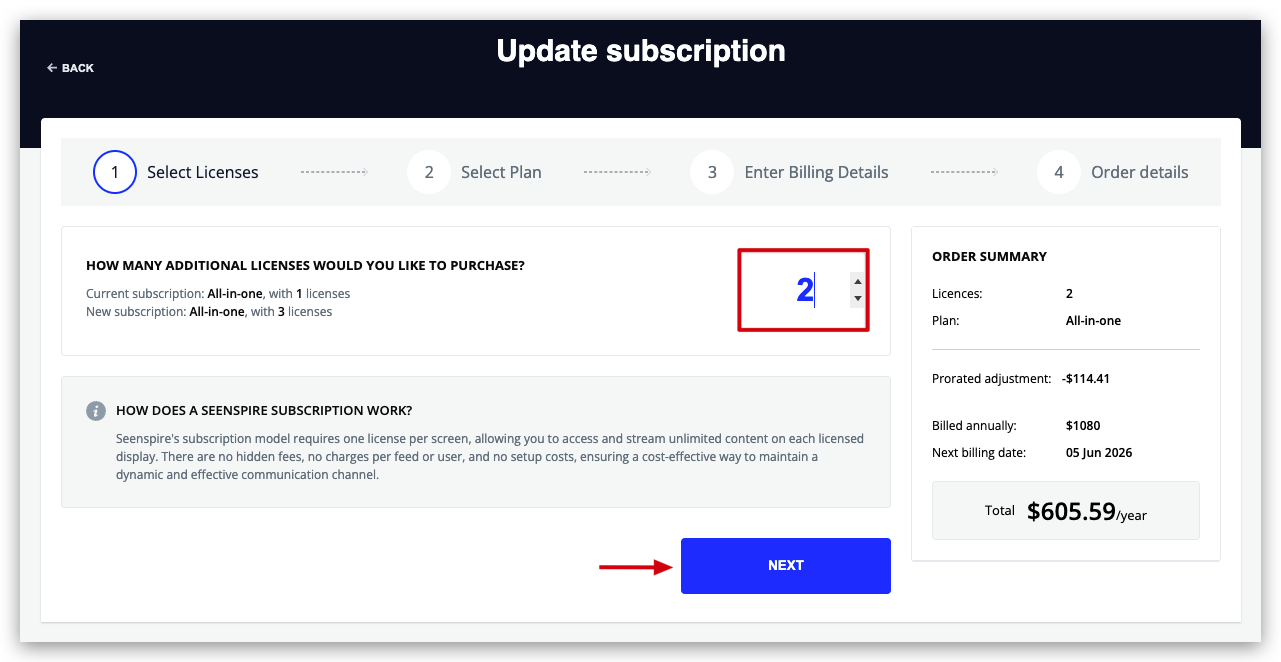
Add the number of extra license you need then click "Next".
Select your preferred billing method: Credit card or Bank Transfer and click "Complete Purchase".

If you have any questions do not hesitate to contact sales@seenspire.com.